Automatic forensics tools
USB Stick
Objective
Develop a forensic tool composed of executable commands for evidence extraction and a batch processing file to launch them, in order to obtain the most relevant evidence studied in class.
Materials
Sysinternals Suite
NirSoft
ntsecurity.nu
Microsoft commands
Any other software you consider appropriate
The idea is to create a USB stick containing the tools and a batch processing file. The BATCH file will be executed on the system to be examined. This BAT file will perform functions such as copying logs to the external USB drive and collecting information such as date, time, registered users, process tree, system uptime, etc.
Solution
A script with multiple tools and utilities has been developed. In order to try that, clone the repository and navigate to the directory containing the tool.
git clone https://github.com/PumukyDev/digital-forensics-notes.git
cd digital-forensics-notes/docs/windows-artifacts/exercise6/usb-stic
Then, run the following command:
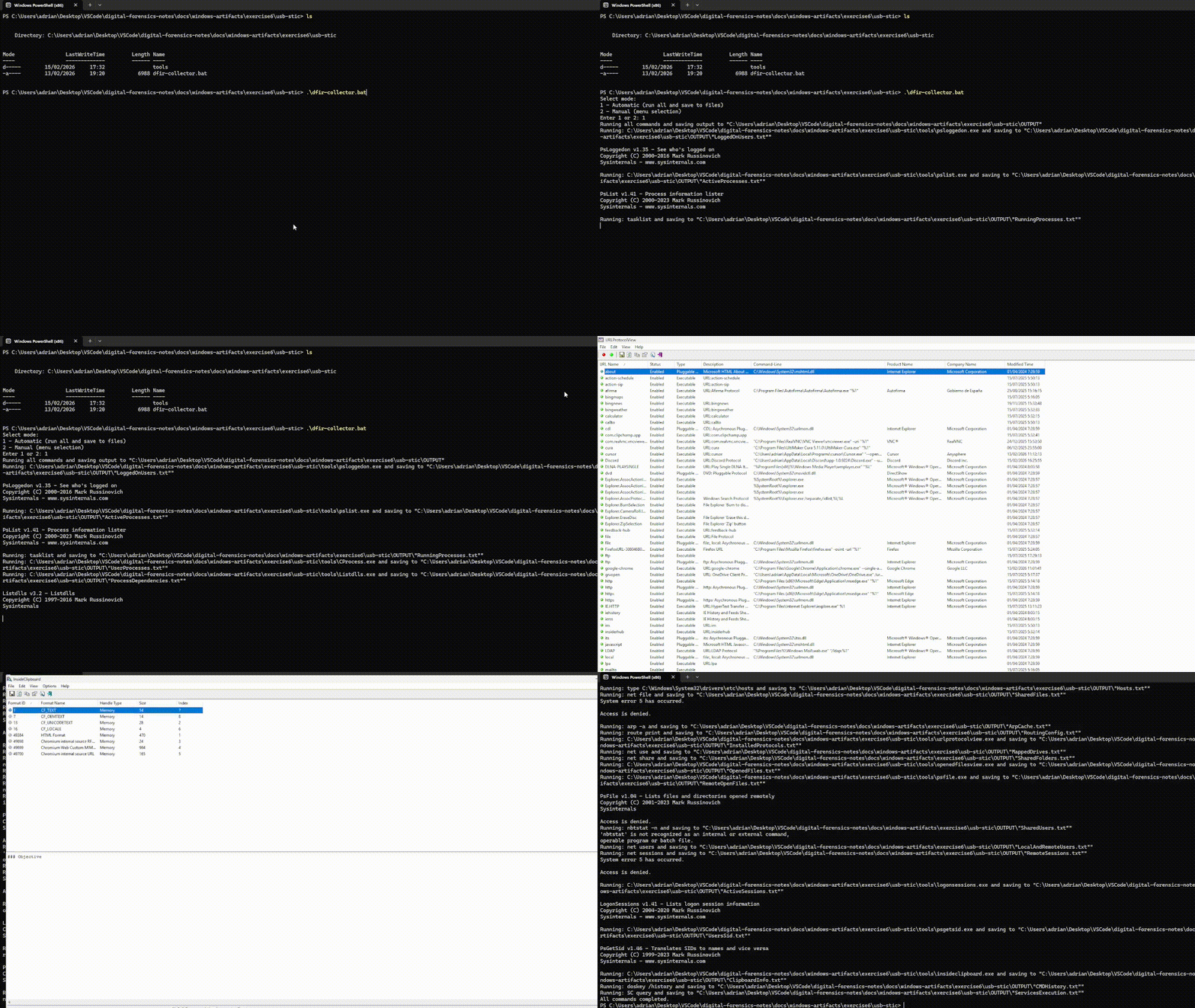
.\dfir-collector.bat
The tools has two modes:
Automatic (1): Runs all the tools and scripts, showing multiple useful GUIs and saving the results into .txt files
Manual (2): Allows the user to select one specific tool instead of running all of them.
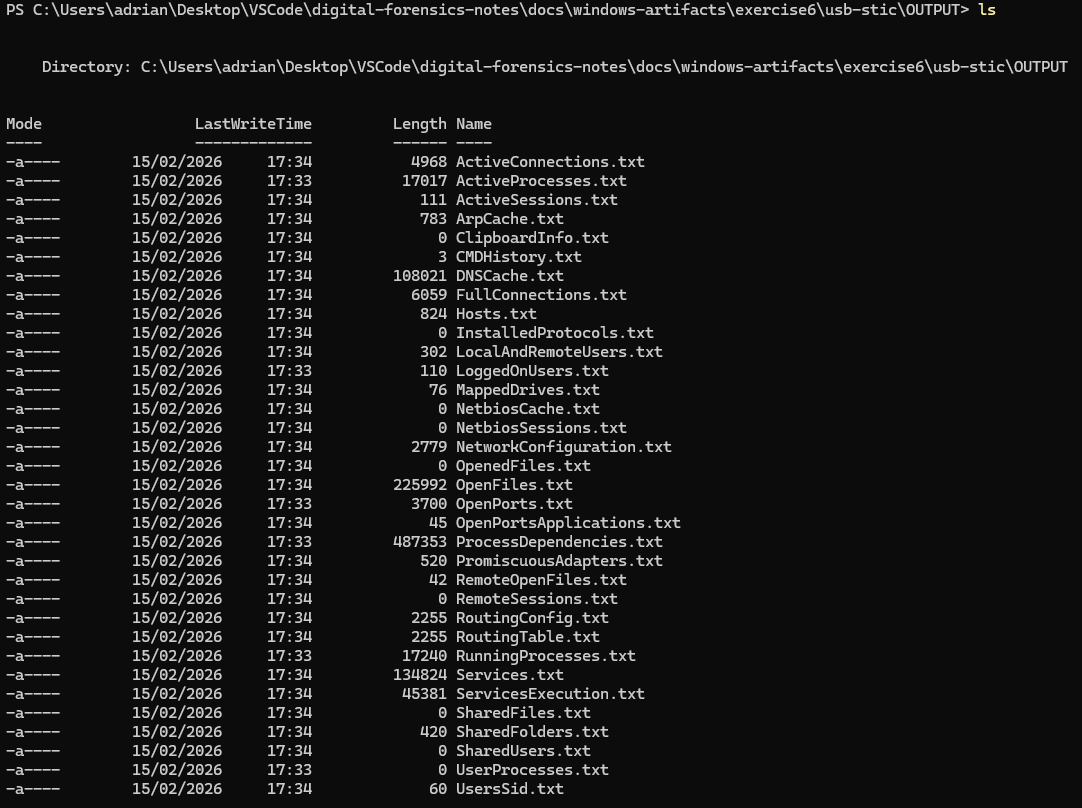
After the script finishes, and output containing all the logs will be generated.
Wintriage
Objective
Prepare and use the graphical triage tool Wintriage for the rapid and structured acquisition of forensic evidence on Windows systems, allowing the controlled collection of relevant information during a live forensic analysis.
Wintriage is a graphical forensic tool designed to facilitate the initial collection of evidence on compromised Windows systems. Its main focus is forensic triage, that is, the rapid acquisition of key information that allows the analyst to assess the system’s state and decide on the next steps of the investigation.
For its use, the tool should preferably be executed from an external medium (for example, a forensic USB), thereby minimizing alteration of the analyzed system and avoiding the use of local tools that may have been manipulated. Wintriage allows easy selection of the artifacts to be collected and stores the results in a previously defined directory.
Prepare the tool, learn how to configure it, and perform a test of live digital evidence acquisition.
Solution
Download the script fron here.
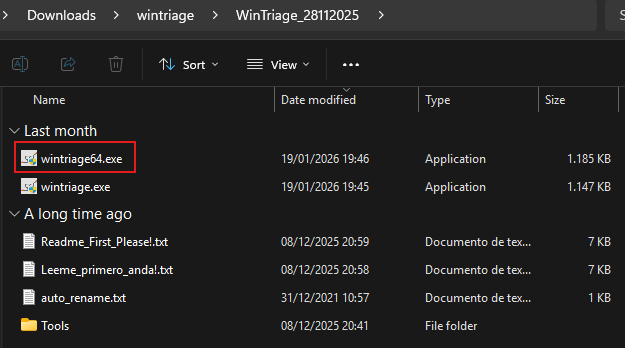
Run wintriage64.exe by doble click over it.
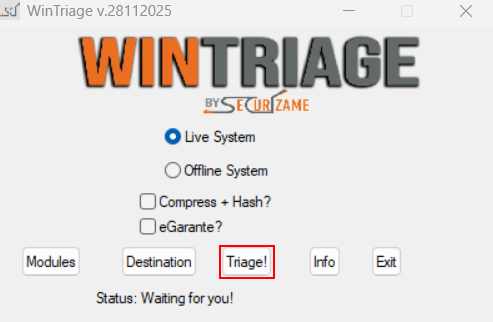
The Wintriage GUI should appear, click on “Triage!”
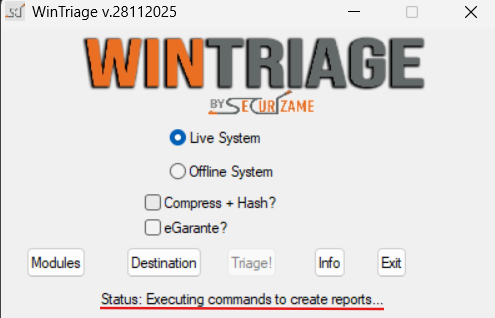
Some pharapheres willl indicate that the program is running somw jobs.
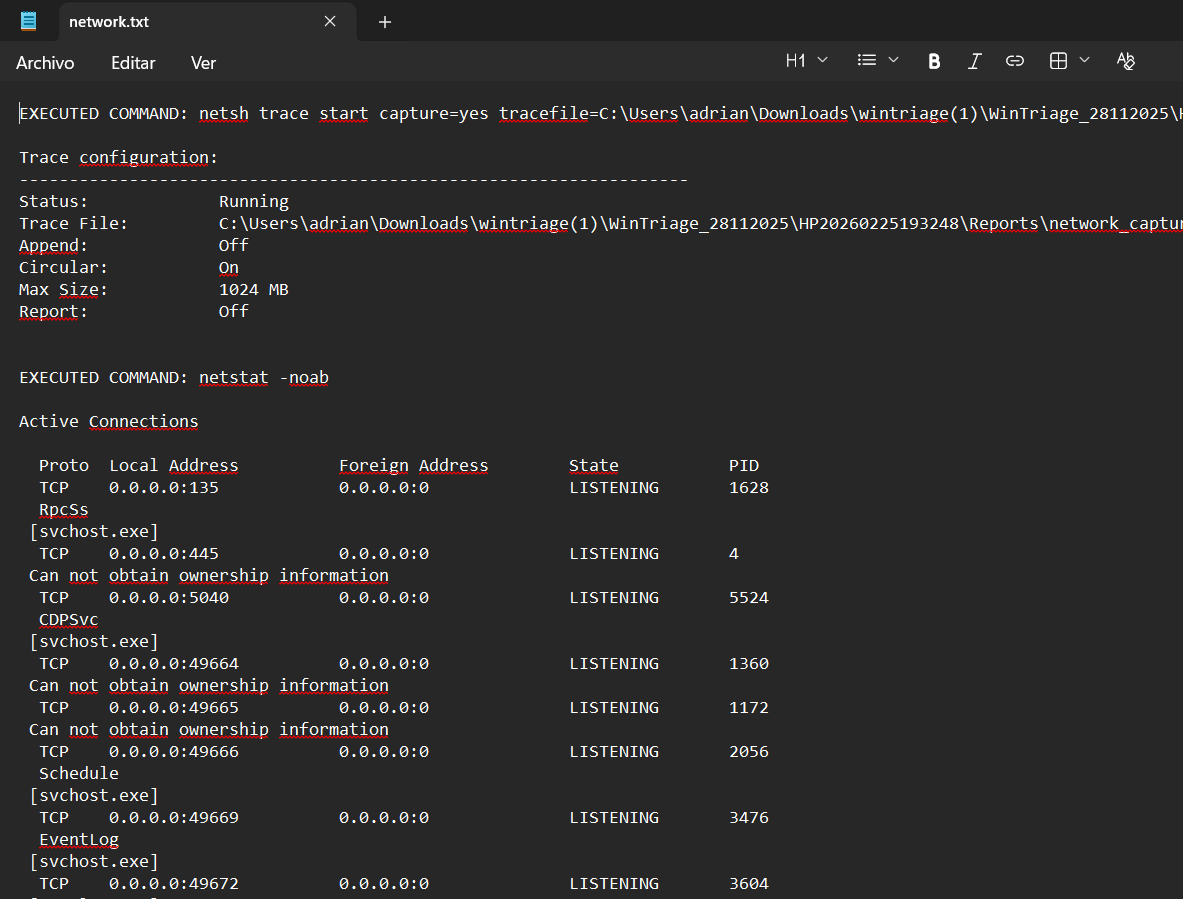
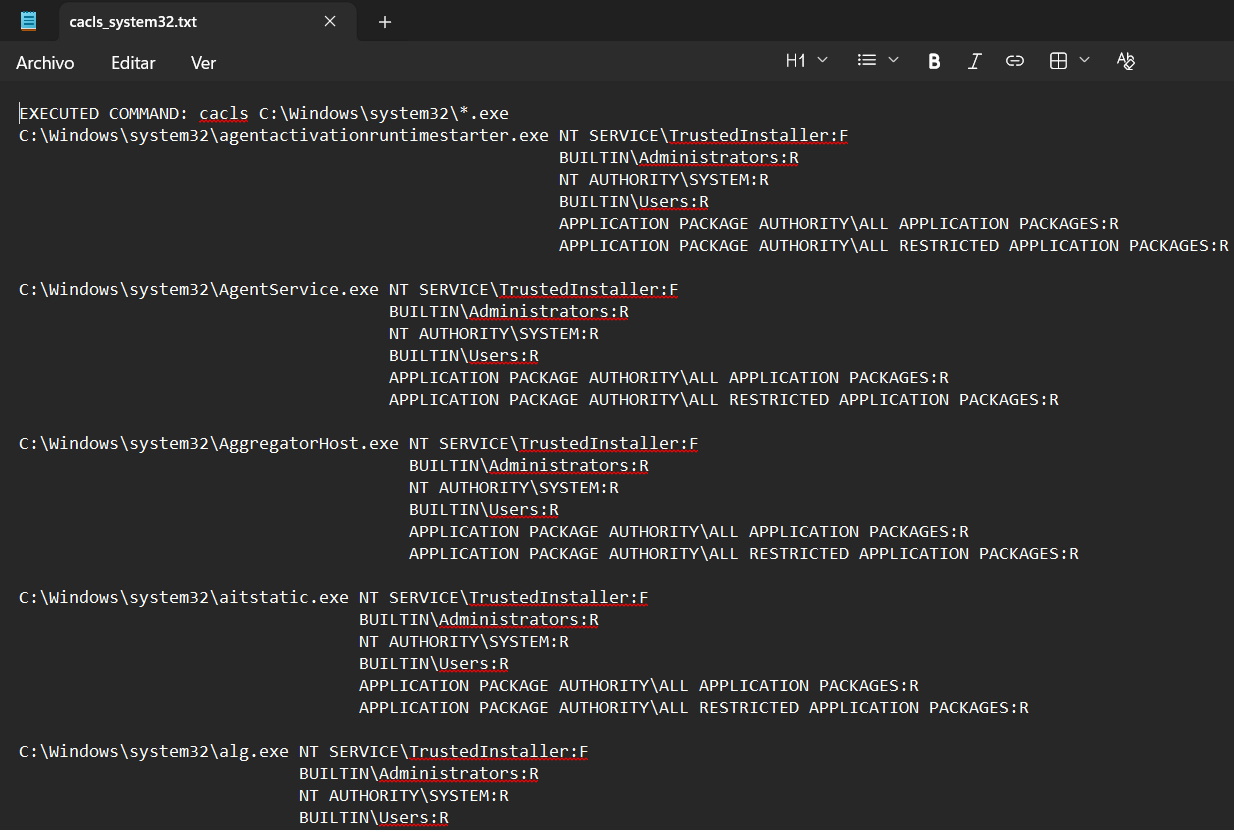
As shown, some folders will be created as “Reports”, “Evidences”, “Memory” and “wintriage.log”
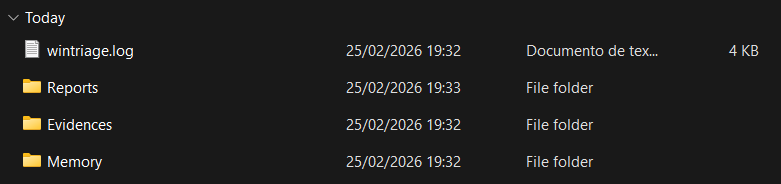
Inside them we can see many files containing the logs of the program.
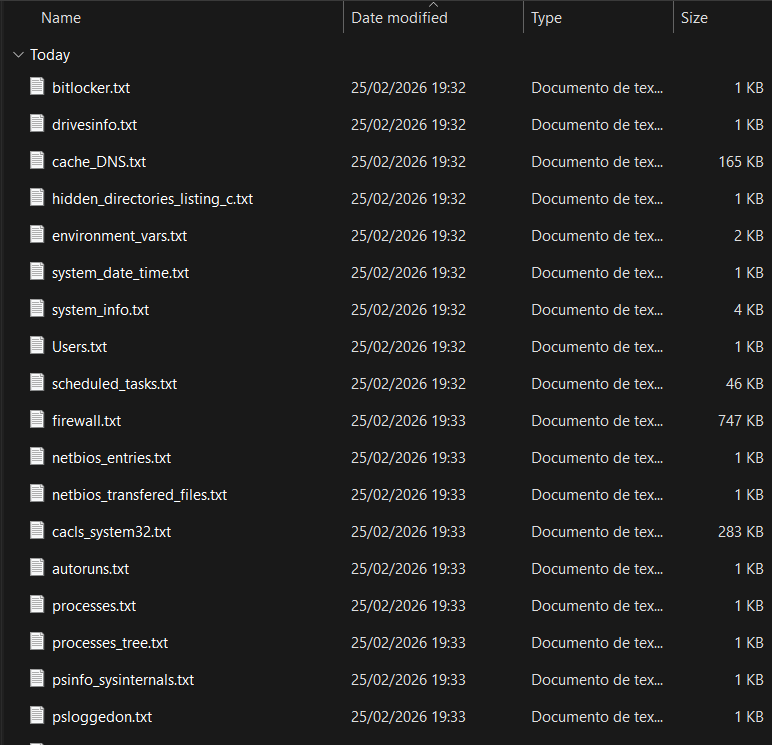
These are some results: