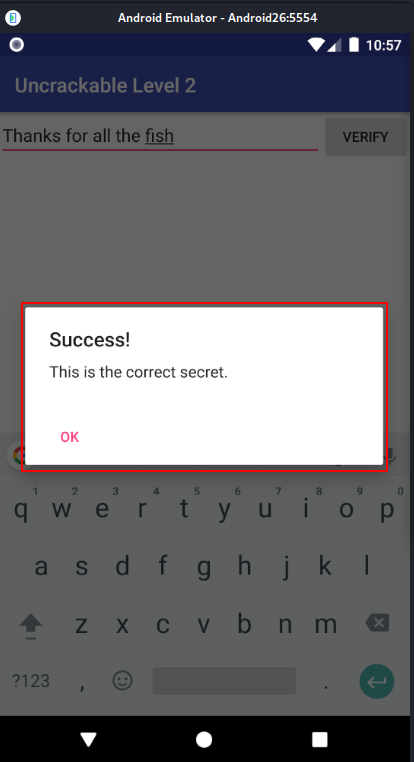
Android UnCrackable Level 2

The crack will be performed on a Kali Linux machine.
The installation process for each tool will not be shown, but every step to create the environment will be documented.
To install the .apk an emulator is required. Create an emulator using the following command:
avdmanager create avd -n Android26 -k "system-images;android-26;default;x86_64" -c 10M
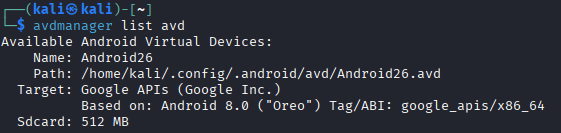
Verify that the device has been installed correctly:
avdmanager list avd
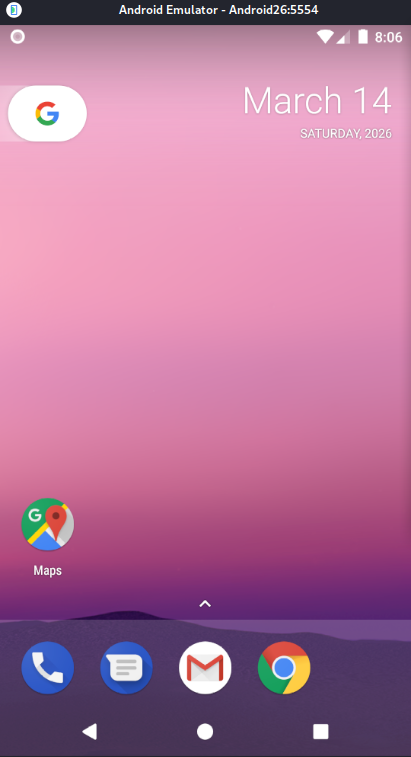
Start the emulator as follows:
emulator -avd Android26
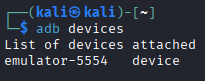
Use the following command to list connected devices. Note the device name.
adb devices
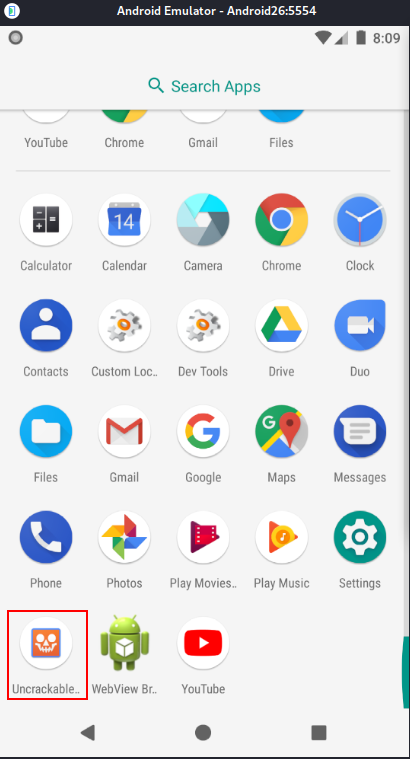
Download UnCrackable-Level2.apk and install it on the emulator. Then open the app.
adb -s emulator-5554 install UnCrackable-Level2.apk

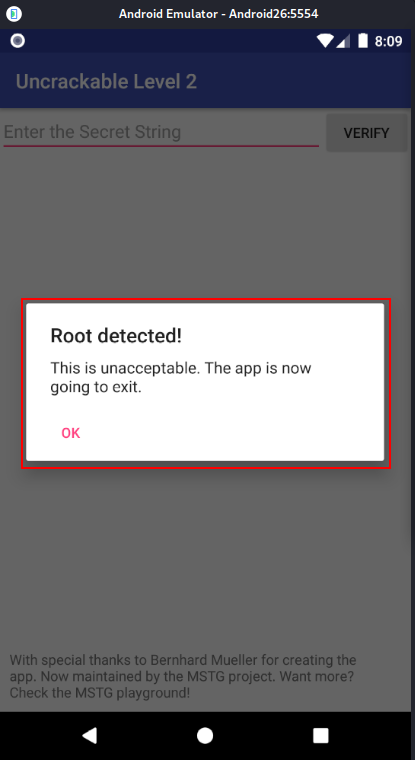
The application detects that the device is rooted and immediately closes.
To bypass this, we need to investigate the app for an anti-root check. Android APK Studio will be used for static analysis, although other tools like jadx or apktool can do the same job.
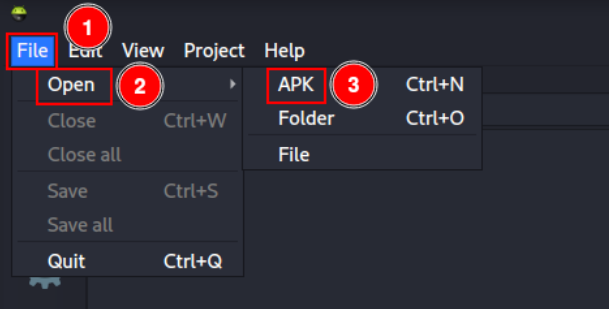
Open Android APK Studio and click “File” -> “Open” -> “APK”, then select UnCrackable-Level2.apk.
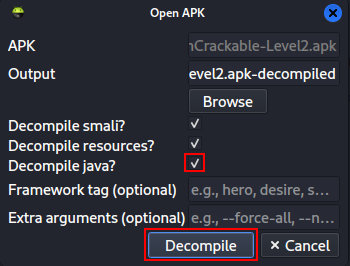
Select the “Decompile java?” checkbox and click “Decompile”.
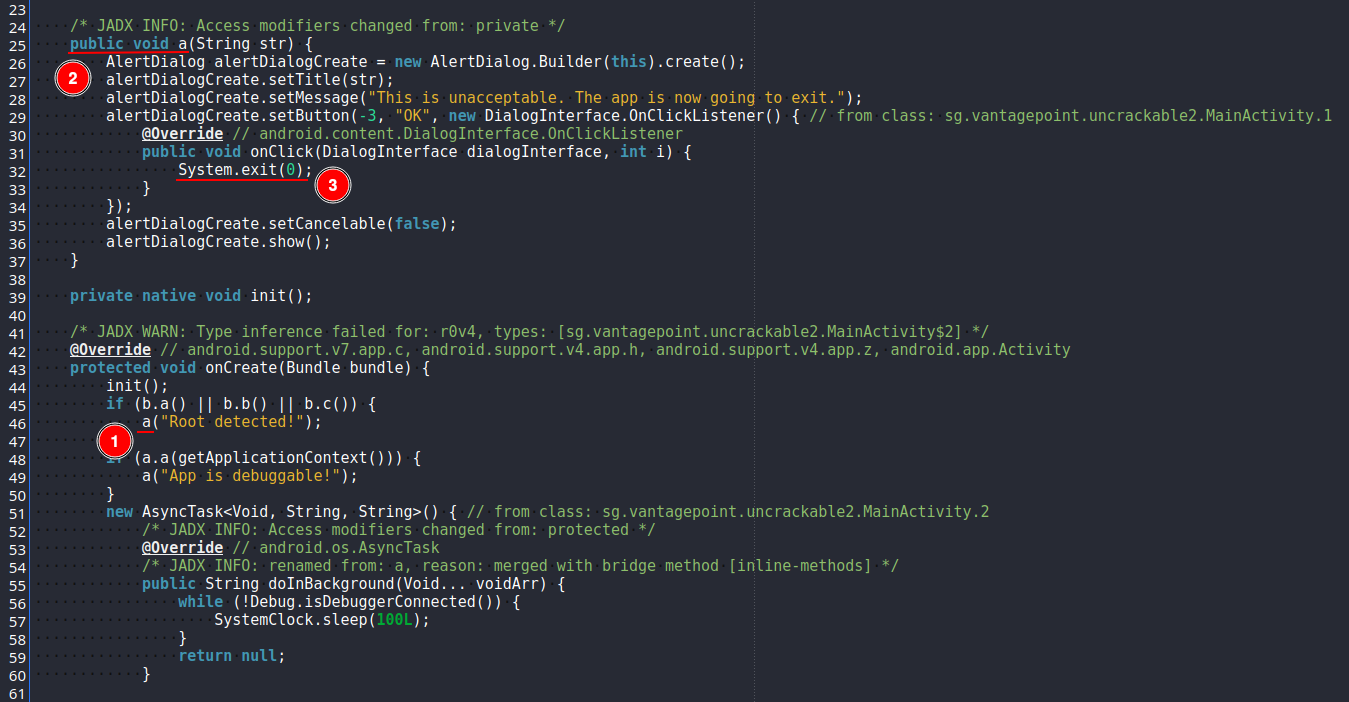
Analyzing the code, we can see that in MainActivity.java a method a is called after detecting a rooted device and the application then exits.
To bypass this we will use Frida. For better visualization I will complement it using RMS (Runtime Mobile Security), which is a web interface that simplifies using Frida.
RMS is written in JavaScript, so we need to install npm and the RMS package.
sudo apt install -y npm
sudo npm install -g rms-runtime-mobile-security
A Frida server needs to be running on the Android device. Go to the Frida releases page and download the latest server version for Android x86_64.
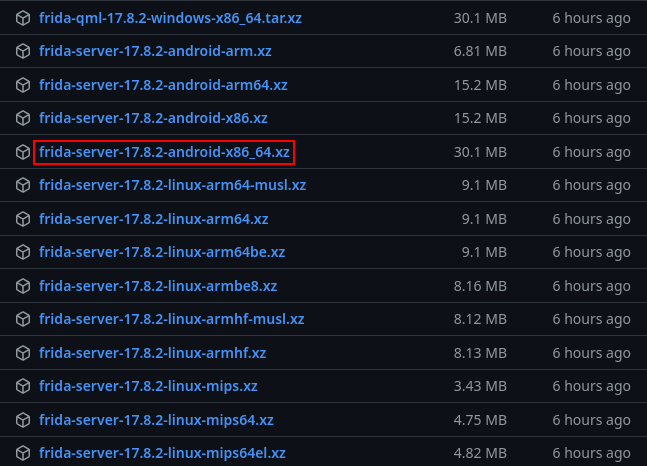
Unpack the downloaded server.
unxz frida-server-17.8.2-android-x86_64.xz
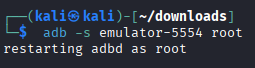
Give the emulator root privileges.
adb -s emulator-5554 root
Copy the server to /data/local/tmp on the emulator.
adb -s emulator-5554 push frida-server-17.8.2-android-x86_64 /data/local/tmp/

Make the file executable.
adb -s emulator-5554 shell "chmod 755 /data/local/tmp/frida-server-17.8.2-android-x86_64"
Run it listening on all interfaces at port 27042.
adb -s emulator-5554 shell "/data/local/tmp/frida-server-17.8.2-android-x86_64 -l 0.0.0.0:27042 &"
In another terminal forward the local port 27042 to the device.
adb -s emulator-5554 forward tcp:27042 tcp:27042

Start RMS.
rms
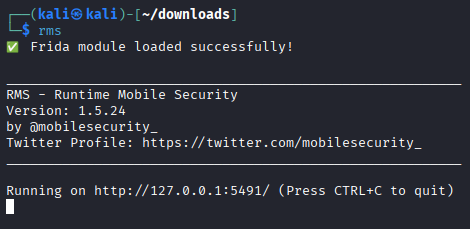
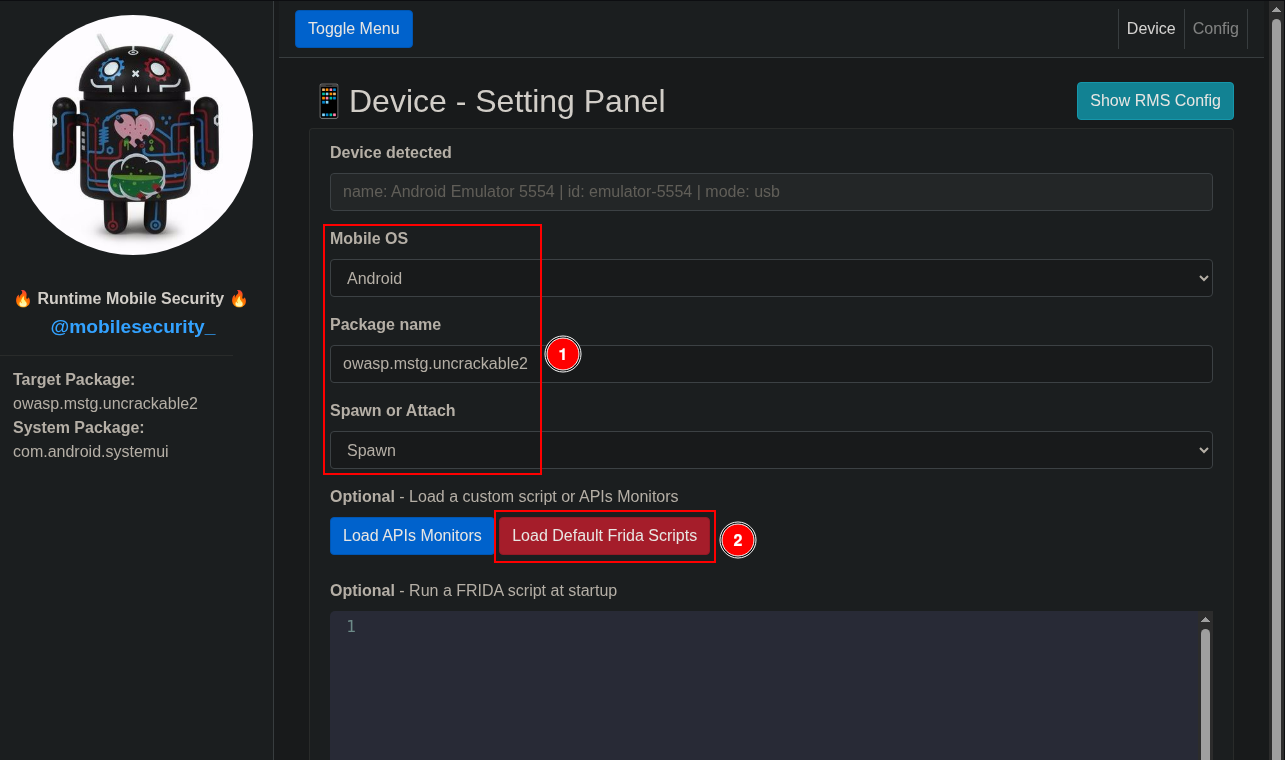
Open a web browser and navigate to http://127.0.0.1:5491/ to see the interface. Then select:
Mobile OS: Android.
Package name: owasp.mstg.uncrackable2.
Spawn or Attach: Spawn.
Click “Load Default Frida Scripts”.
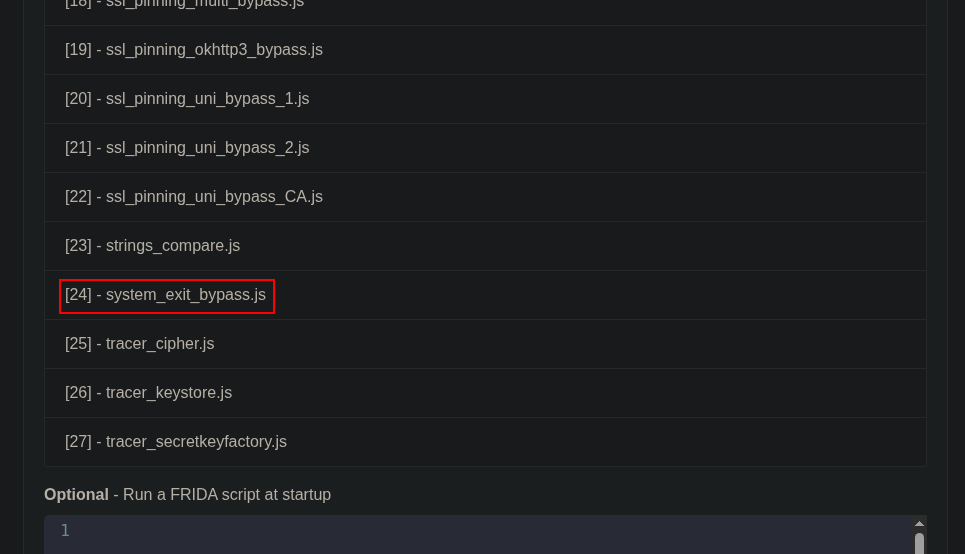
Several scripts will appear. For now we only need script number 24, called system_exit_bypass.js. Click it.
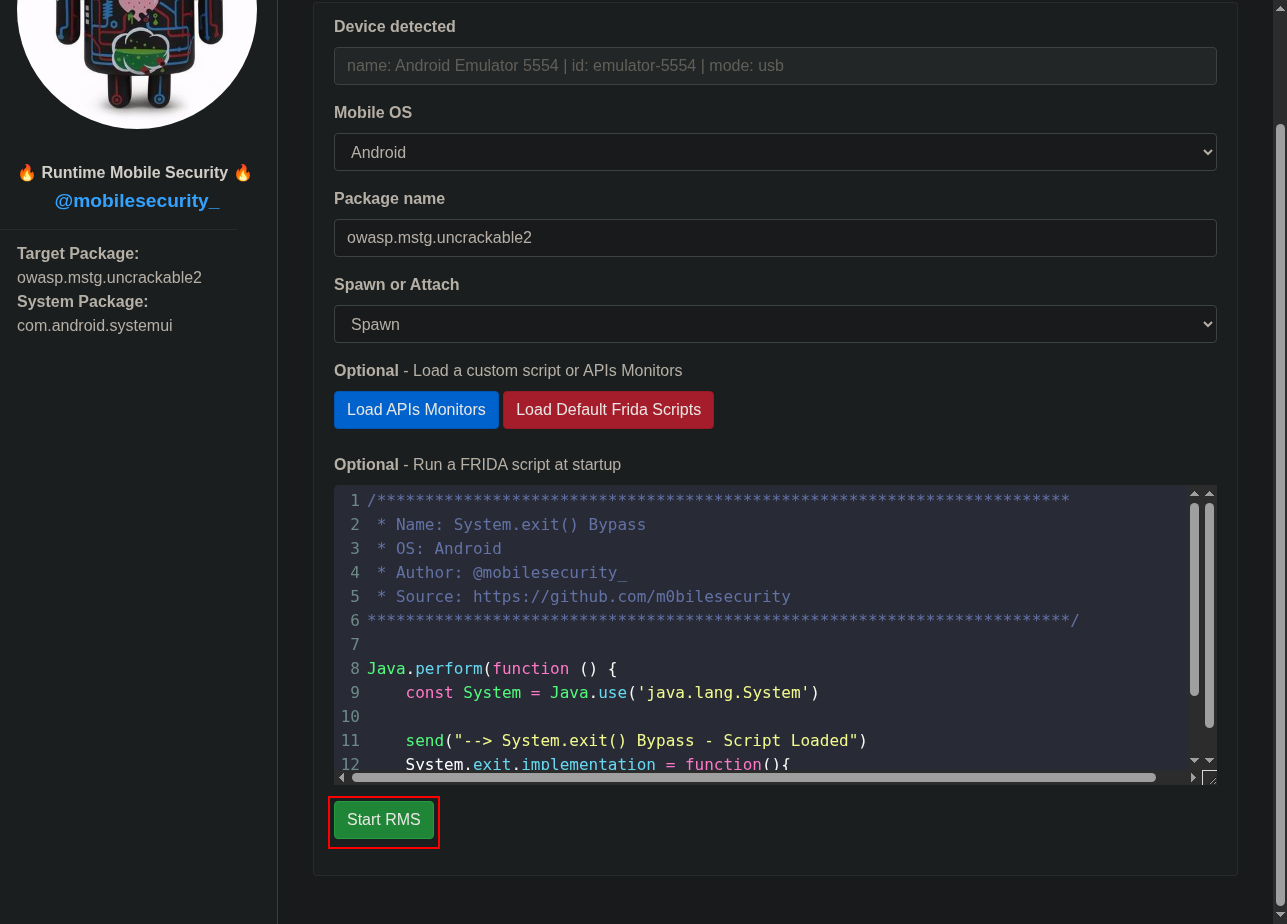
The script should be loaded. Click “Start RMS” to run the script and bypass the root protection.
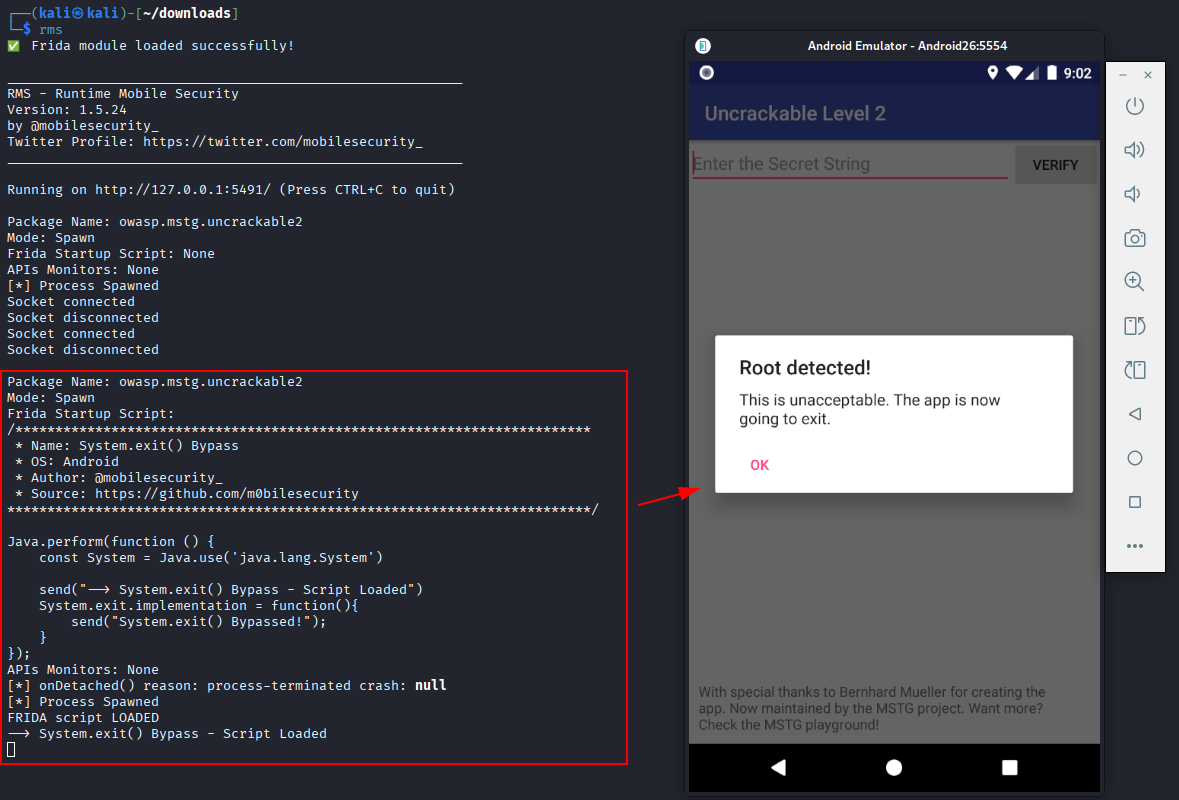
Return to the mobile application and check the console logs to confirm the script is loaded. If you click “OK” when root is detected, the message “System.exit() Bypassed!” should appear and the application will remain open.
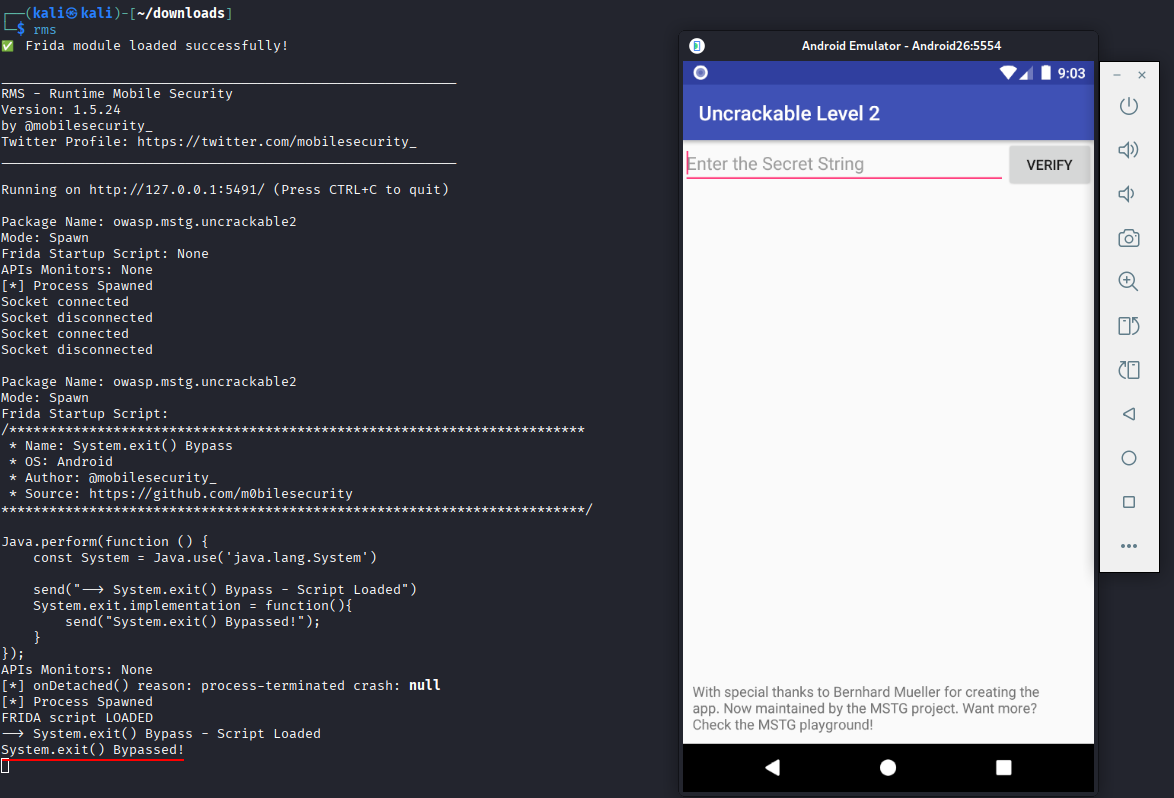
After bypassing the root protection, a form appears to enter a secret. Enter “secret” and click “Verify” to see what happens.
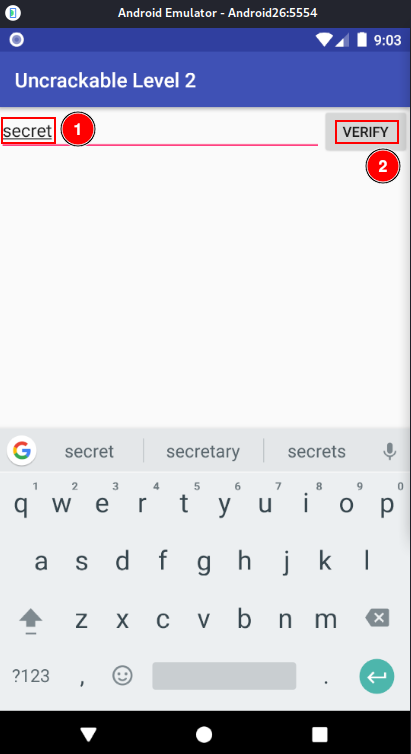
An error message is displayed. We now need to obtain the actual secret code.
Return to RMS. Navigate to the settings panel, fill in the data as before, and click “Start RMS”.
Click “Load classes”.
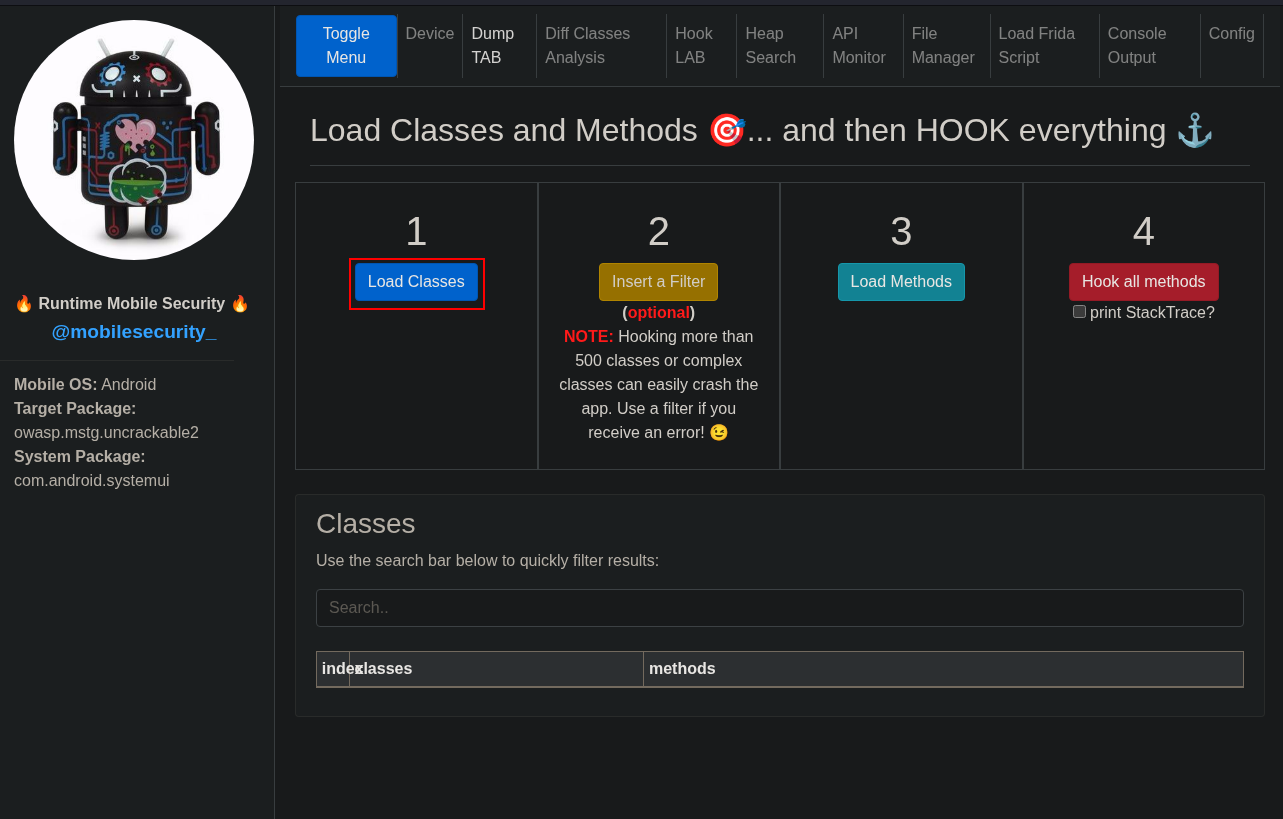
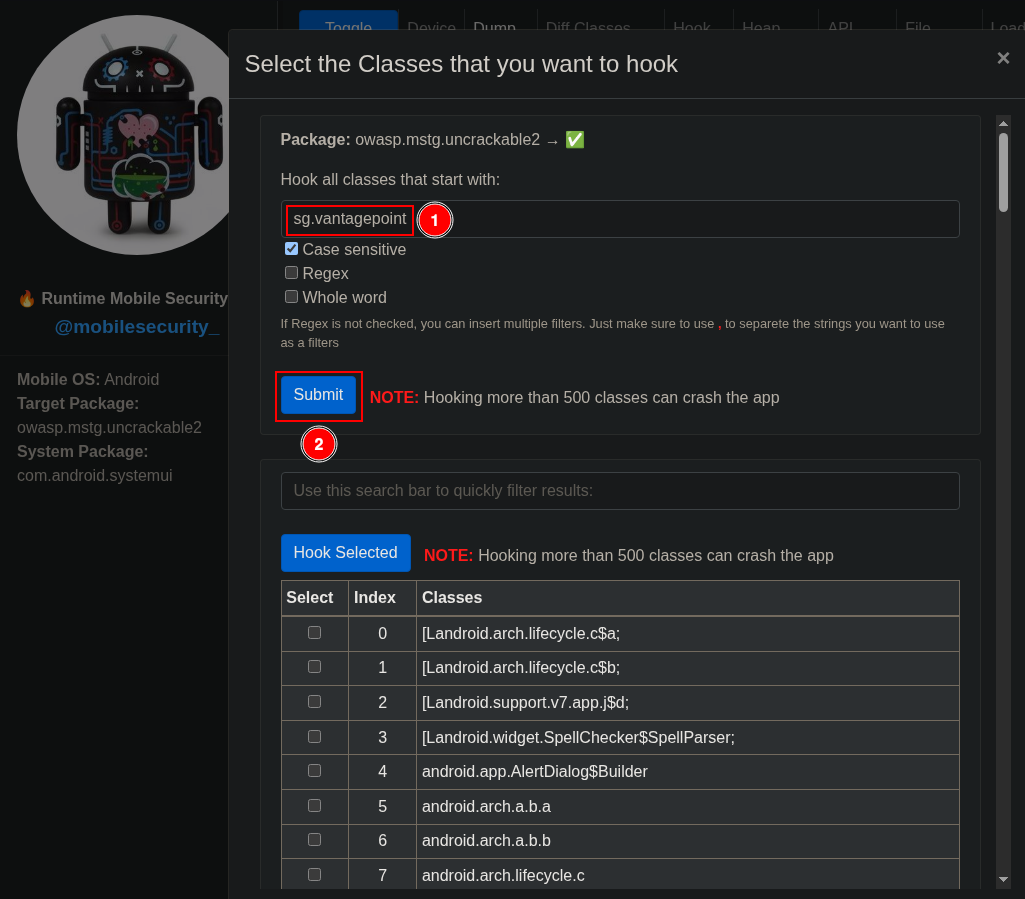
Several classes will be loaded. Click “Insert a Filter” to view only those related to the main activity.
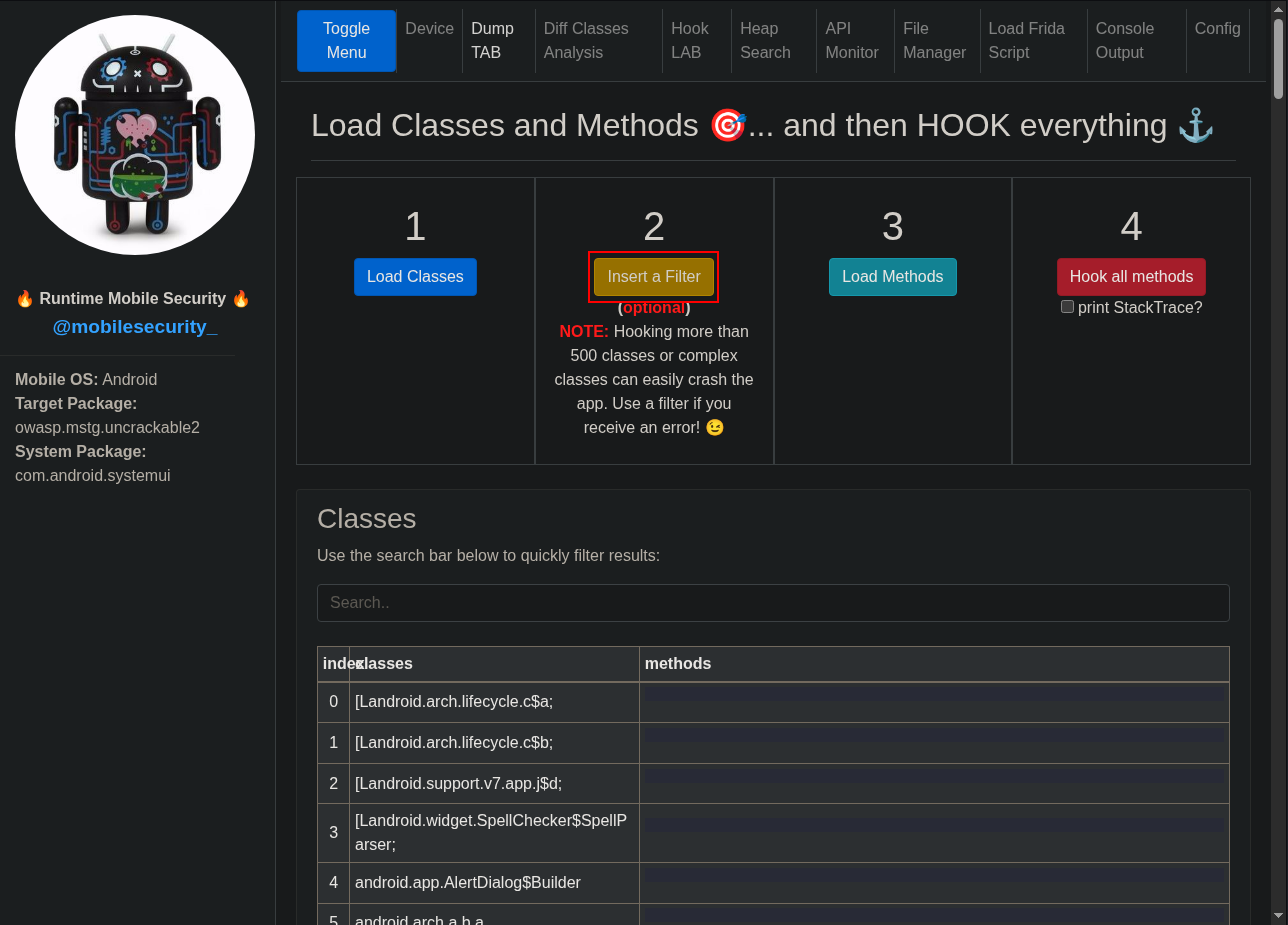
Add a filter to hook classes starting with sv.vantagepoint and click “Submit”.
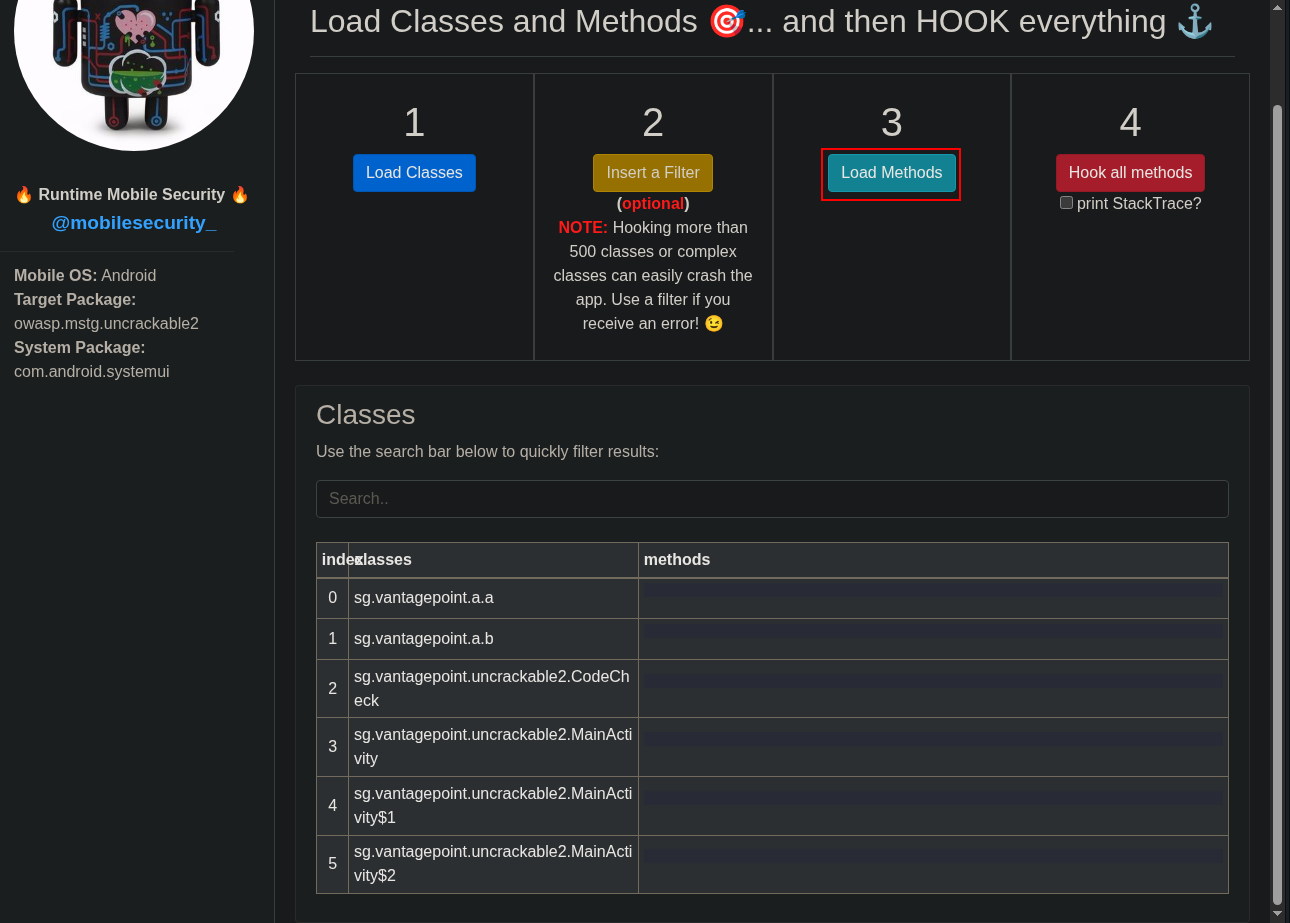
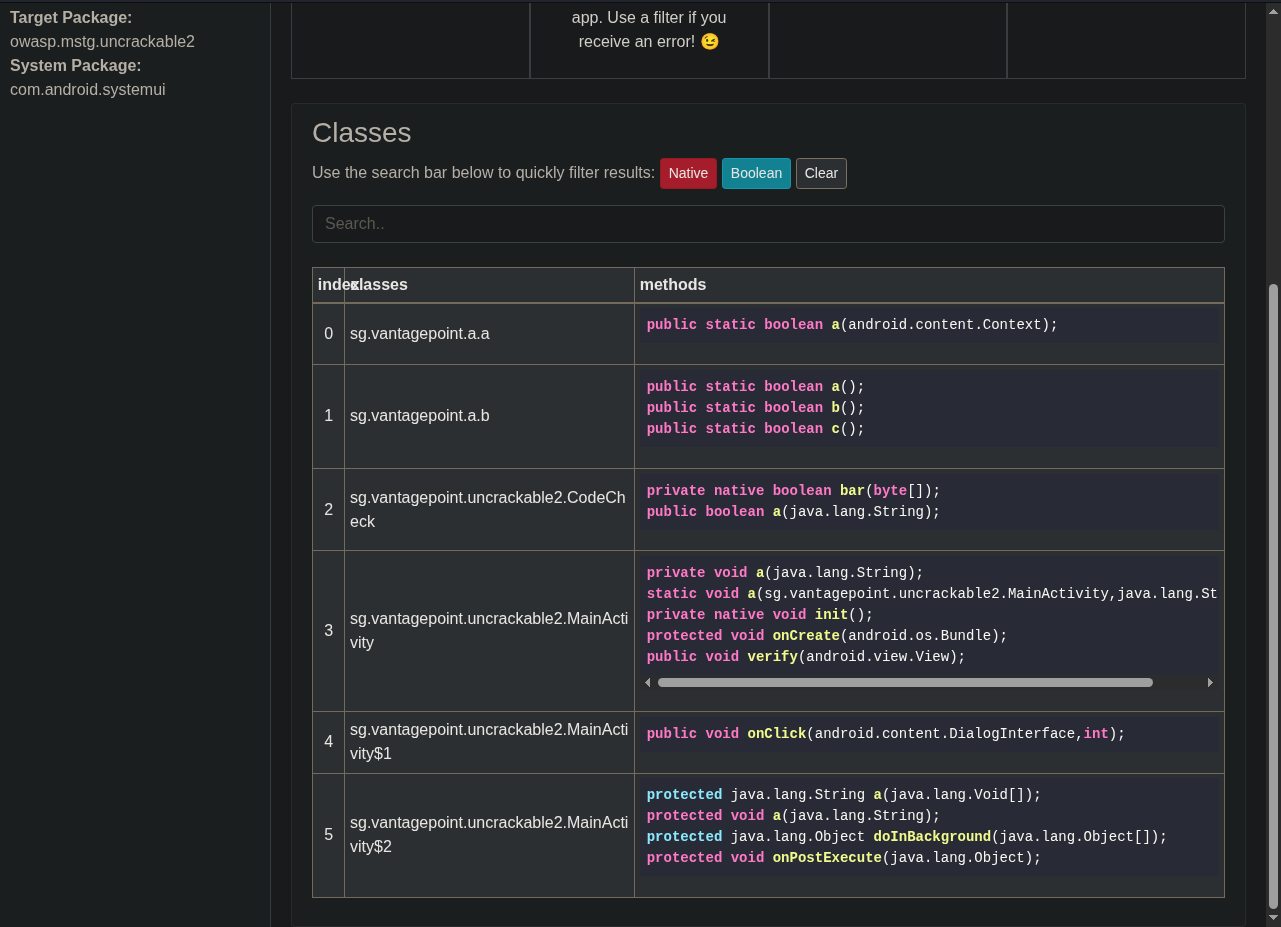
Click “Load Methods” to view and analyze them.
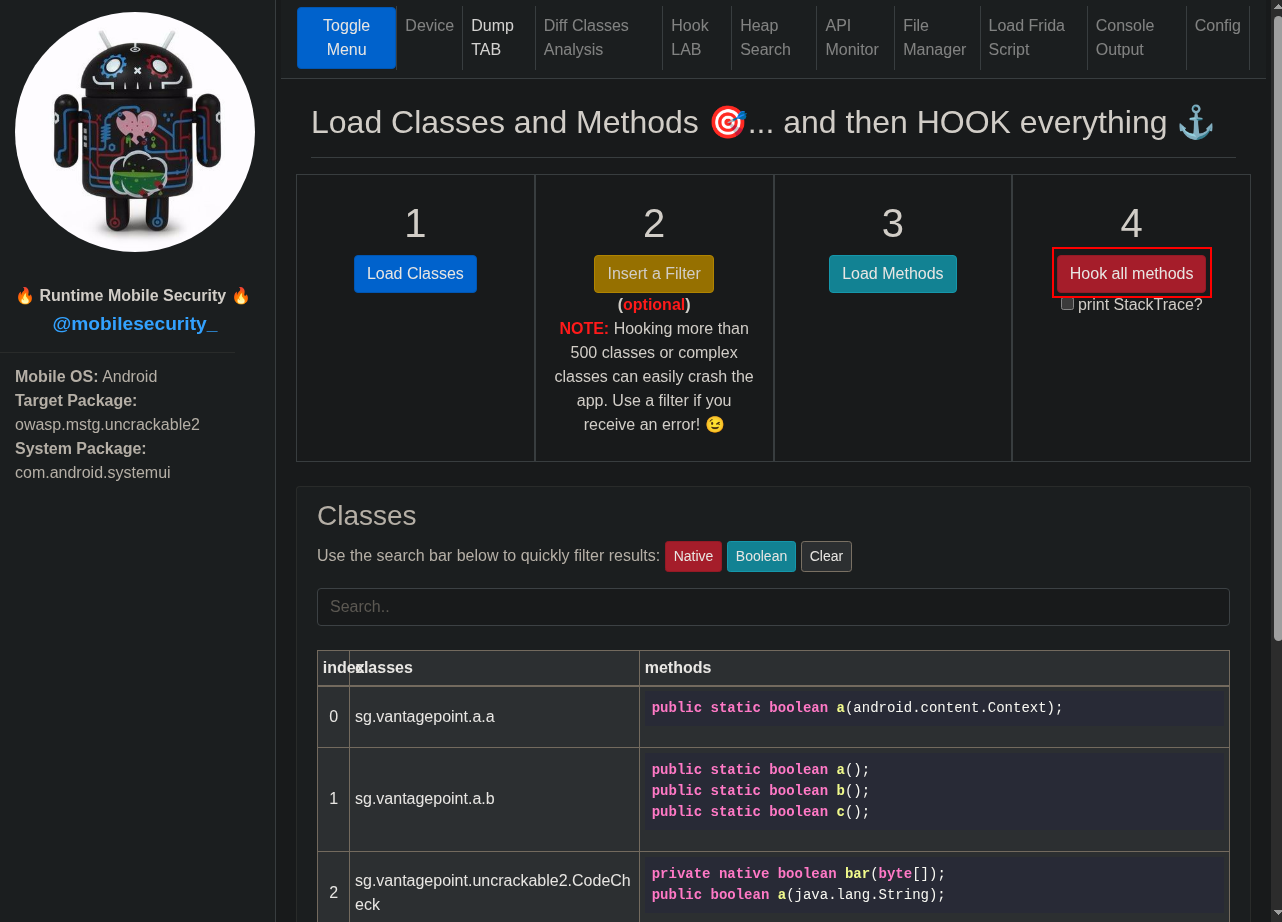
Click “Hook all methods”.
Return to the Android application and click the “Root detected!” message.
In RMS you will see a console showing which methods have been called.
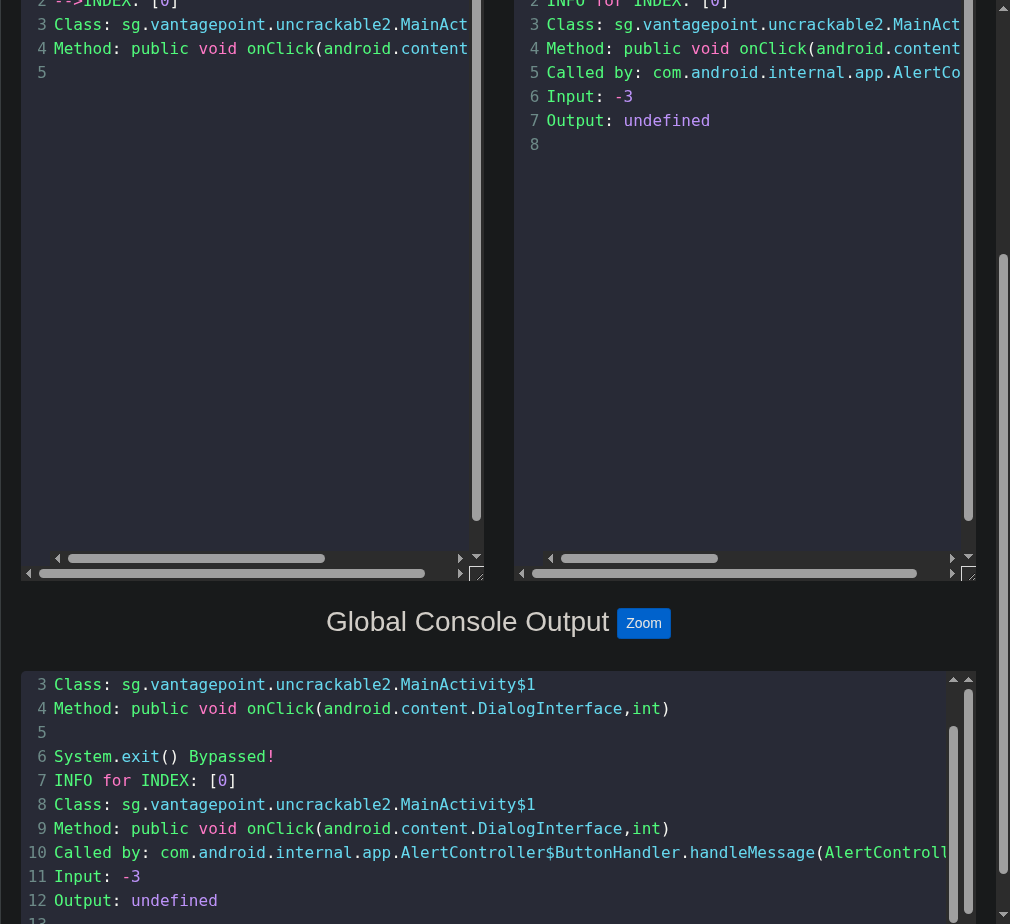
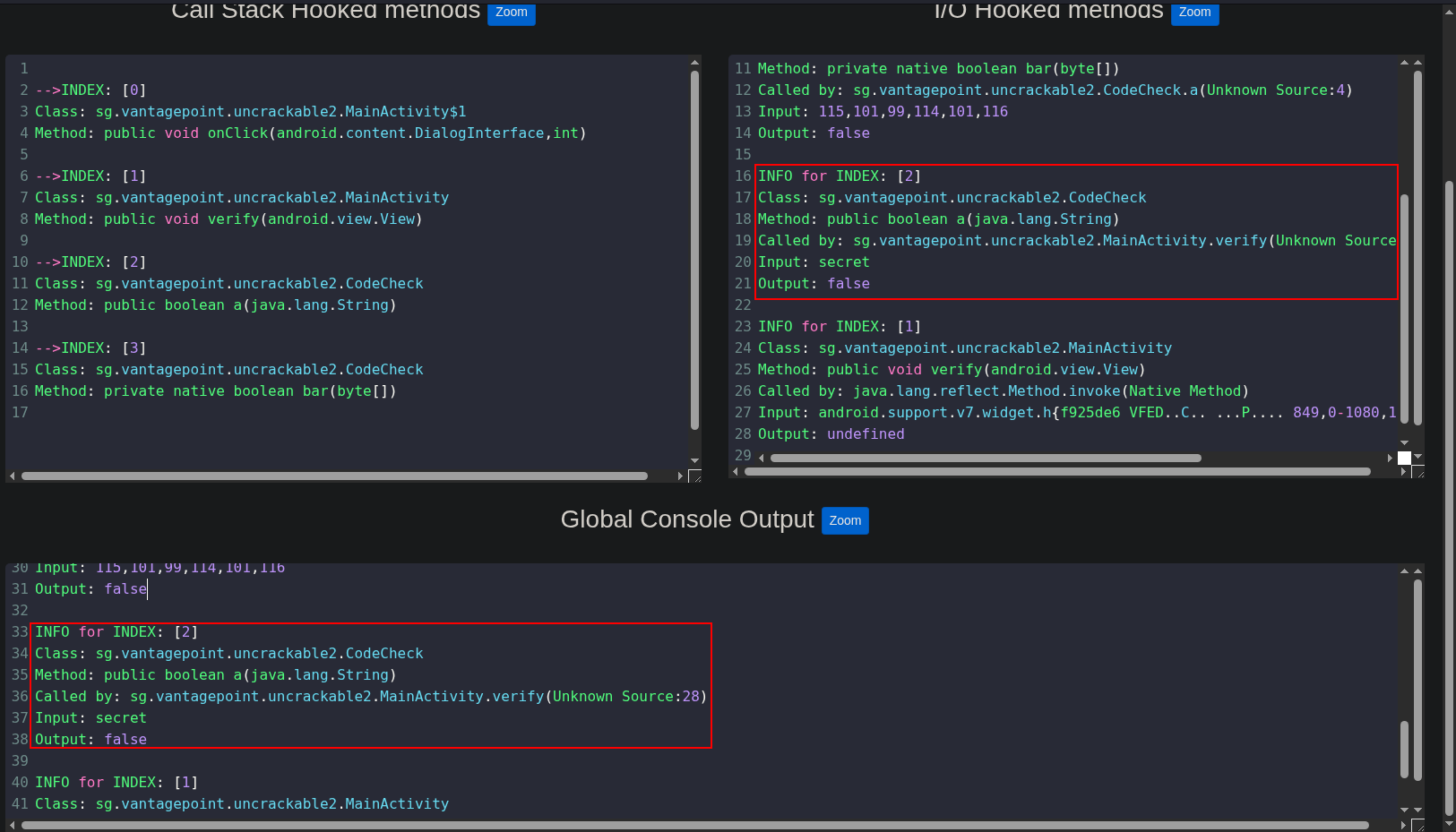
Enter any secret and click “Verify”.
Messages will appear in the console. In this case, we can see that it calls CodeCheck.
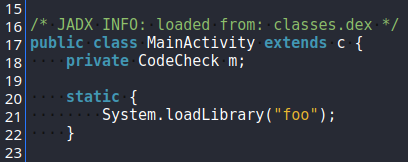
Searching in MainActivity using Android APK Studio, we see that it loads the native library foo.
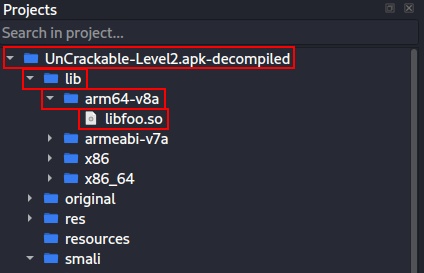
This library can be found under /lib/<architecture>/libfoo.so. However, we cannot read it directly, so we need to decompile it.
To do that we will use Ghidra. Rename the .apk to .zip, extract it, open libfoo.so in Ghidra, and double-click it.
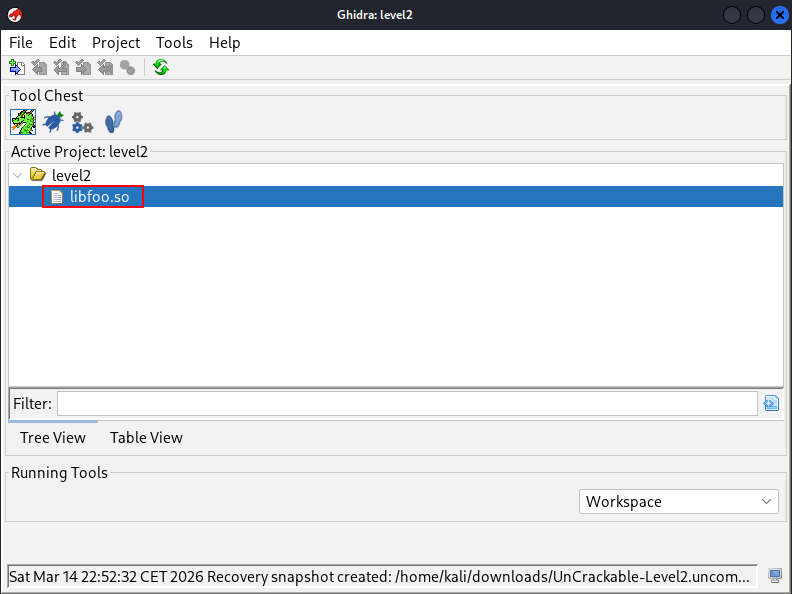
Analyze the code and search for the part where the check is performed.
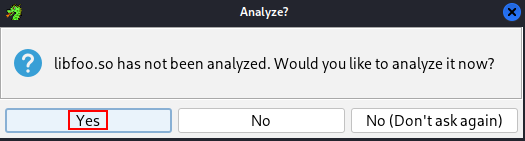
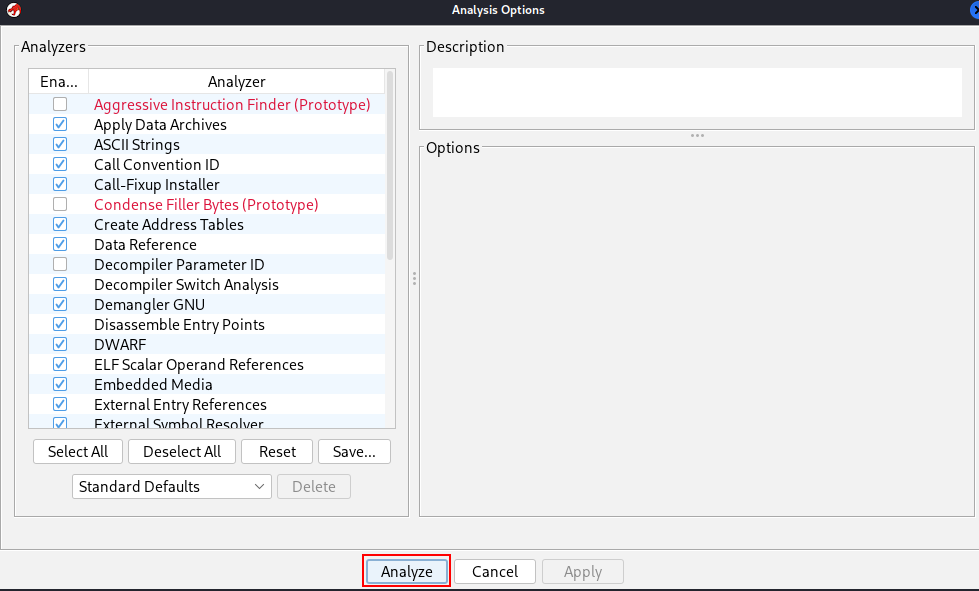
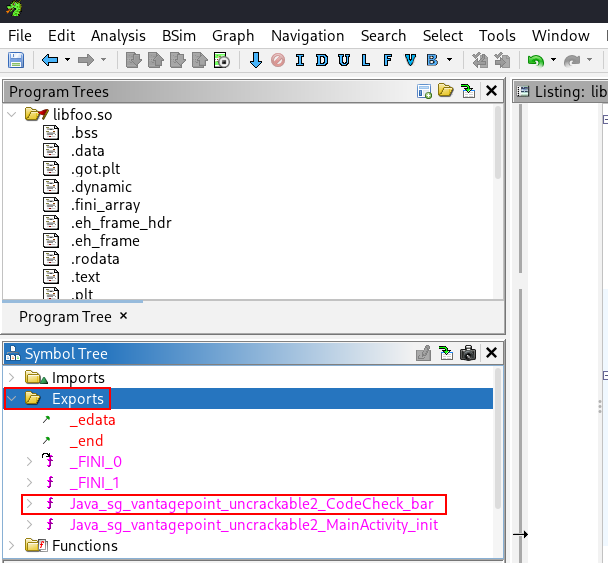
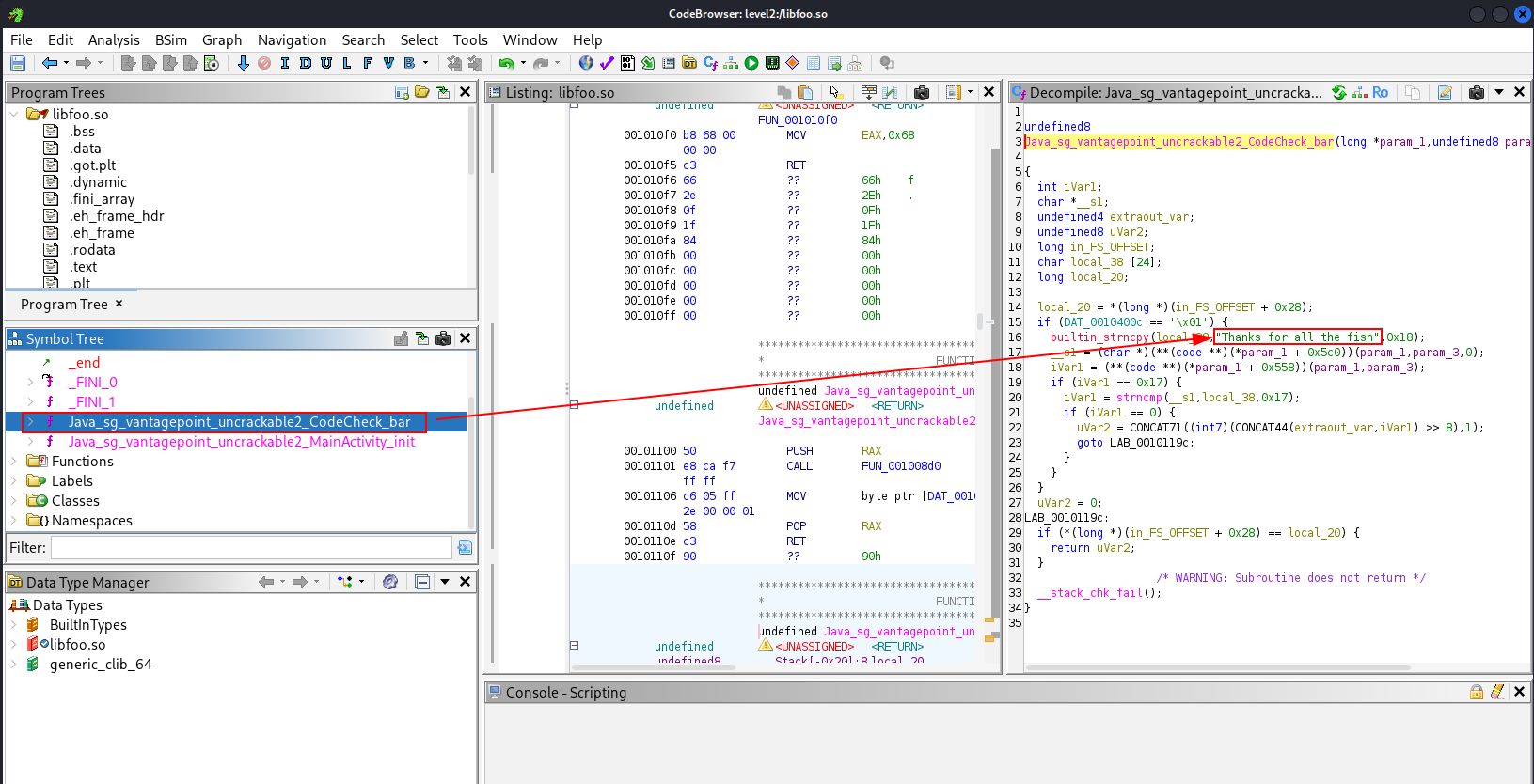
In the Symbol Tree under Exports you can see CodeCheck_bar. That is exactly what we need to analyze to find how to obtain the password.
In the “Decompile” tab you will find a strncpy containing the password. Ghidra has decompiled it and shows the password in plain text.
Return to the UnCrackable-l2 application, enter the secret string, and click “Verify”.
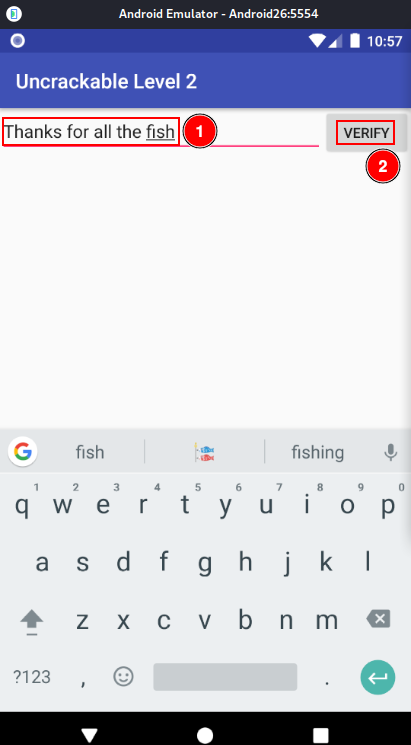
You should see that the secret is correct.